Blog
How AI Tools Elevate Photo Quality Without Traditional Editing Skills

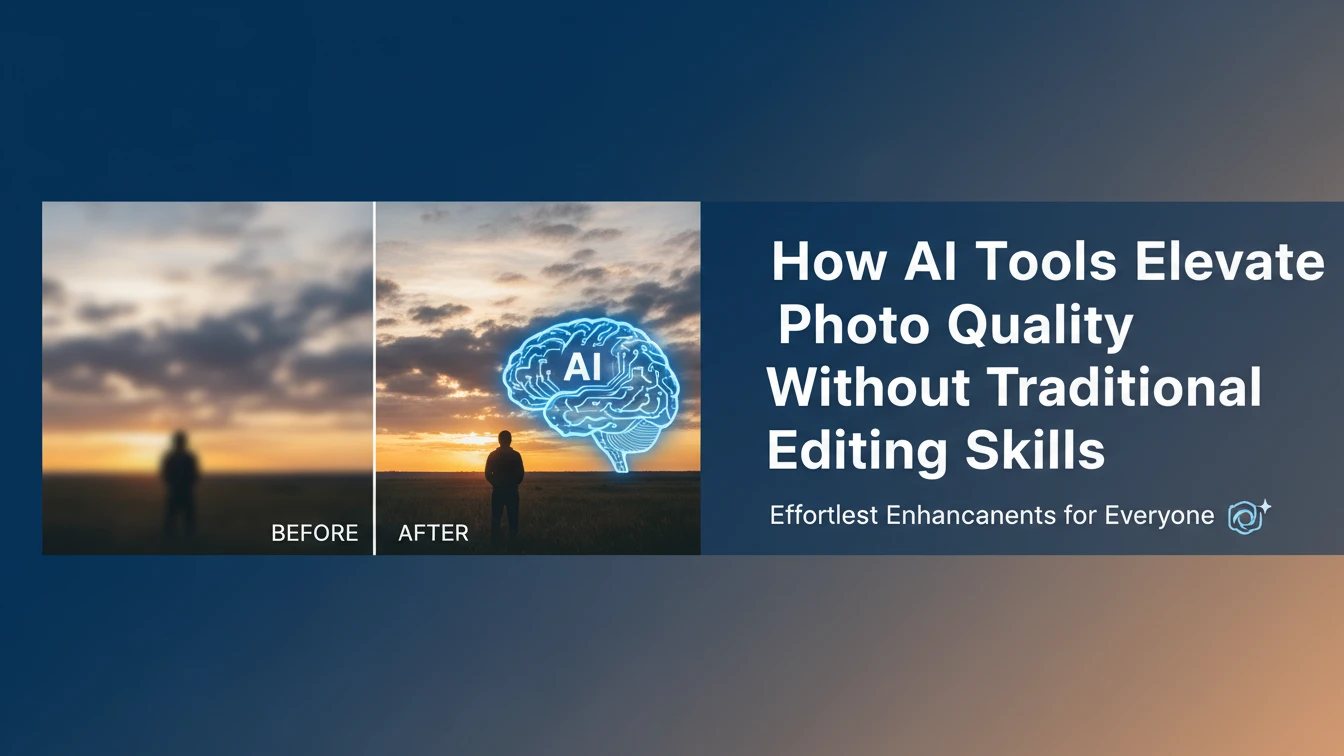
Many people assume great photos require advanced software and a deep understanding of layers, masks, or tone curves. Modern AI tools quietly hide that complexity. You upload an image, press one button, and the system analyzes faces, edges, light, and color to generate a balanced version that already looks closer to what you had in mind. Instead of learning dozens of sliders, you simply decide whether you want the effect a bit stronger or softer.
This shifts the role of the user from technician to editor-in-chief. Your job becomes choosing which version feels right for your story rather than manually constructing every adjustment. A parent quickly fixing vacation photos, a small shop owner preparing catalog images, or a creator updating their profile picture can all get professional-looking results without memorizing any editing jargon.
Cleaning up distractions in seconds
One of the biggest barriers for beginners is removing small but annoying distractions. Traditional tools require careful cloning and zooming just to hide a trash bin, logo, or timestamp. AI-based automated cleanup tools change that experience completely: you brush over an object and the software figures out how to fill the gap using nearby textures, shadows, and patterns. The end result looks natural, even if you spent only a few seconds on it.
Background control is another area where AI makes life easier. An online tool that removes backgrounds can identify the main subject—whether it is a person, product, or pet—and separate it from a messy room or busy street. New users do not have to trace hair or outlines by hand; they simply choose a clean color, subtle gradient, or simple scene as the new backdrop. The same quick snapshot suddenly looks like a studio-style image suitable for a store page or social banner.
Fixing low-quality photos you thought were unusable
Everyone has important photos that are technically flawed: a dim birthday picture, a grainy concert shot, or an old phone image of a product that can no longer be reshot. AI features that improve image clarity are designed exactly for these cases. They can upscale small files, reduce digital noise, and sharpen key details such as eyes, text, or product edges. Instead of throwing away these images, you can often rescue them well enough for sharing or even printing in small formats.
This matters for both personal memories and small businesses. A café owner might only have a single, slightly blurry photo of a menu board that customers keep asking for online. Running it through an AI enhancer can make the text clearer and the colors more appealing without redoing the entire shoot. A hobby photographer can salvage handheld night photos that previously felt too noisy, giving them confidence to keep experimenting without fearing imperfect conditions.
Opening creative options without advanced skills
Once the basics are handled, AI tools open the door to creative edits that used to require serious experience. Generating visuals with AI can provide matching backgrounds, subtle overlays, or abstract textures that frame your existing photos. You might create a set of branded color splashes behind product cutouts, or generate soft, out-of-focus city lights to place behind a portrait. These additions help your photos look cohesive across websites, social feeds, and ads.
Best of all, you can explore these options through plain language and simple controls. Instead of building complex compositions from scratch, you describe the mood or style you want and let the AI suggest variations. Over time, you learn what fits your taste just by reacting to results. When this kind of power is packed into a browser-based editor like Phototune.ai, high-quality photo editing stops being a specialist skill and turns into something anyone can fold into their daily workflow.


 Blog8 months ago
[PPT] Human Reproduction Class 12 Notes
- Blog8 months ago
Contribution of Indian Phycologists (4 Famous Algologist)
- Blog8 months ago
PG TRB Botany Study Material PDF Free Download
- Blog8 months ago
Cell The Unit of Life Complete Notes | Class 11 & NEET Free Notes
 Blog8 months ago
[PPT] The living world Class 11 Notes
- Blog8 months ago
Plasma Membrane Structure and Functions | Free Biology Notes
- Blog8 months ago
Julus General Characteristics | Free Biology Notes
- Blog8 months ago
Classification of Algae By Fritsch (11 Classes of Algae)